

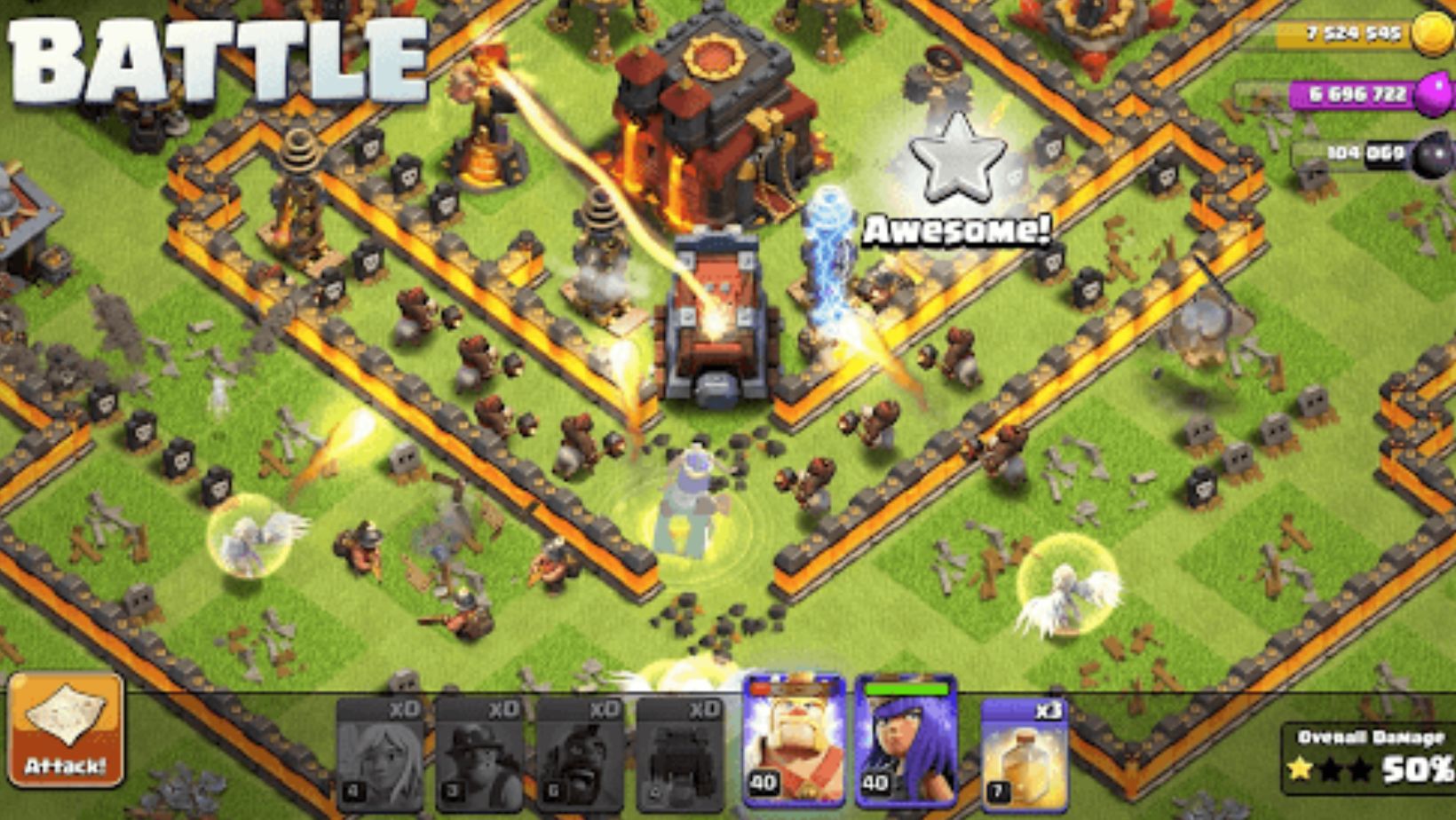
Ever hit a wall in Clash where your phone’s screen just won’t cut it? Battery dying mid-upgrade, thumbs missing drops? Yeah, rough. Playing on PC fixes that quickly. Let me show you how, step by step. No fluff.
Why Users Want to Play Mobile Games on PC
Phones work great for short sessions. But strategy games like Clash? Long raids mean heat, dead batteries, tiny views. The PC offers a big screen, steady power, and easy control. You see the whole base clear, chat with the clan while troops move. No more squinting or charger hunts. Once you try it, mobile feels limited. Makes grinding way better.
Game Overview: Type, Platforms, Basic Gameplay
Clash of Clans is a strategy game of Supercell. You raise villages, drill armies and raid bases of resources. It is free-mium, released in 2012 and supported on iOS and Android officially. The gameplay begins with its basic rules: you should gather elixir and gold, upgrade buildings, and rob other people. Joins clans for wars, levels heroes and pets, and tackles events. Addictive mix of base-building and battles.
Why Some Users Choose to Play on PC
On PC, you spot defenses more easily across a full screen. Mouse places troops right where you want. Keyboard speeds through menus. No phone slowdown after an hour. Run extra accounts at once for farming. Comfortable for long clan wars. You stay in longer, play precisely. Casual players get better views; hardcore ones max efficiency.
What an Android Emulator Is
An Android emulator runs a virtual phone on your PC. It handles apps and games like on mobile, but uses your computer’s power. You get Play Store access and key mapping for controls. Free software runs light now. Good for steady performance in games like Clash, especially when you play Clash of Clans on PC. An easy way to bring mobile titles to desktop.
Playing the Game on PC with MuMuPlayer (As One Solution, Why I Choose MuMuPlayer)
I go with MuMuPlayer because it starts fast and uses little RAM. Works on average laptops without lag. Handles multiple game copies, simple for alt accounts.

Controls map easily, no extra setup. Stays updated for new Clash versions. Reliable pick for quick daily play.
Step-by-Step Guide (Download → Install → Play)
Here’s the exact breakdown. It takes five minutes.
- Download: Go to MuMuPlayer official site. Pick the Windows or Mac version. Free, around 5MB. Downloads in a minute on good internet.
- Install: Double-click the file. Follow defaults: next, next. Installs clean, no extras. Launches and sets to your PC specs.
- Sign in: Open the Play Store in the emulator. Log in with your Google account.
- Install game: Search “Clash of Clans.” Hit install. Wait 30 seconds.
- Launch and sync: Click the game icon. Sign in with Supercell ID to pull your progress from mobile.
- Set controls: Open sidebar menu. Map keys: WASD for moving around, numbers 1-5 for troops.
- Test it: Do a practice raid. Adjust if needed.
Issue? Check antivirus settings or restart. Done raiding.
Benefits of Using an Emulator on PC
Larger Display
See full base layouts and attack paths clearly. Easier to plan.
Keyboard & Mouse Control
Precise clicks for troops, fast keys for spells.
Stable Performance
No overheating or drops. Runs smoothly for hours.
Multi-Instance Support
Open several accounts together. Farm on one, war on another.
Play feels better overall.
Minimum requirements: 4GB RAM, Windows 7+, Mac M1+, internet connection.
FAQ
Is it safe to use MuMuPlayer to play Clash of Clans on PC?
Third-party emulators like MuMuPlayer are not officially endorsed by Supercell. However, millions of players use MuMuPlayer to enjoy mobile games on PC. Users should always review the game’s terms of service before using any third-party software..
Do I need to pay to use MuMuPlayer or play Clash on PC?
Yes, fully free for core use. No payments needed to play.
Will MuMuPlayer run Clash of Clans smoothly on my PC?
Very reliable for daily sessions. Frequent updates keep it working with the latest Clash versions.
What are the system requirements for running MuMuPlayer and Clash on PC?
Windows 7 or newer, Mac M1 and up. Should have at least 4GB RAM and a good internet connection.
What needs to be done to update MuMuPlayer so that Clash can run?
MuMuPlayer is auto-updating or through its official site. By updating it, one makes sure that it is compatible with the new version of Clash of Clans and any performance-related problems are resolved.
Conclusion
PC setup for Clash opens up clearer raids and longer play. MuMuPlayer makes it simple. Give it a try next session. You’ll see the difference.